lgsfmarket
Connect. Show. Share. Sell.
Optimized for FRAMECAD and VERTEXBD IFC exports.
Sign up.Upload securely.
Supported IFC sources
Upload IFC files exported from these CFS/LGSF design tools.
Vertex BD
BIM to fabrication
IFC
FRAMECADStructure
Detail + machine prep
IFC
SteelSmart System
CFS engineering
IFC
MWF StrucSoft
Revit framing automation
IFC
FrameBuilder-MRD
Assembly + CNC
IFC
ScotSteel
Roll-form workflow
IFC
Workflow icons are lgsfmarket-owned compatibility illustrations, not official software logos. Trademarks belong to their respective owners.
Features
Upload, inspect and route IFC work without installing extra software.
Secure IFC upload
Upload IFC securely. Your source file stays protected while lgsfmarket creates a browser-ready preview.
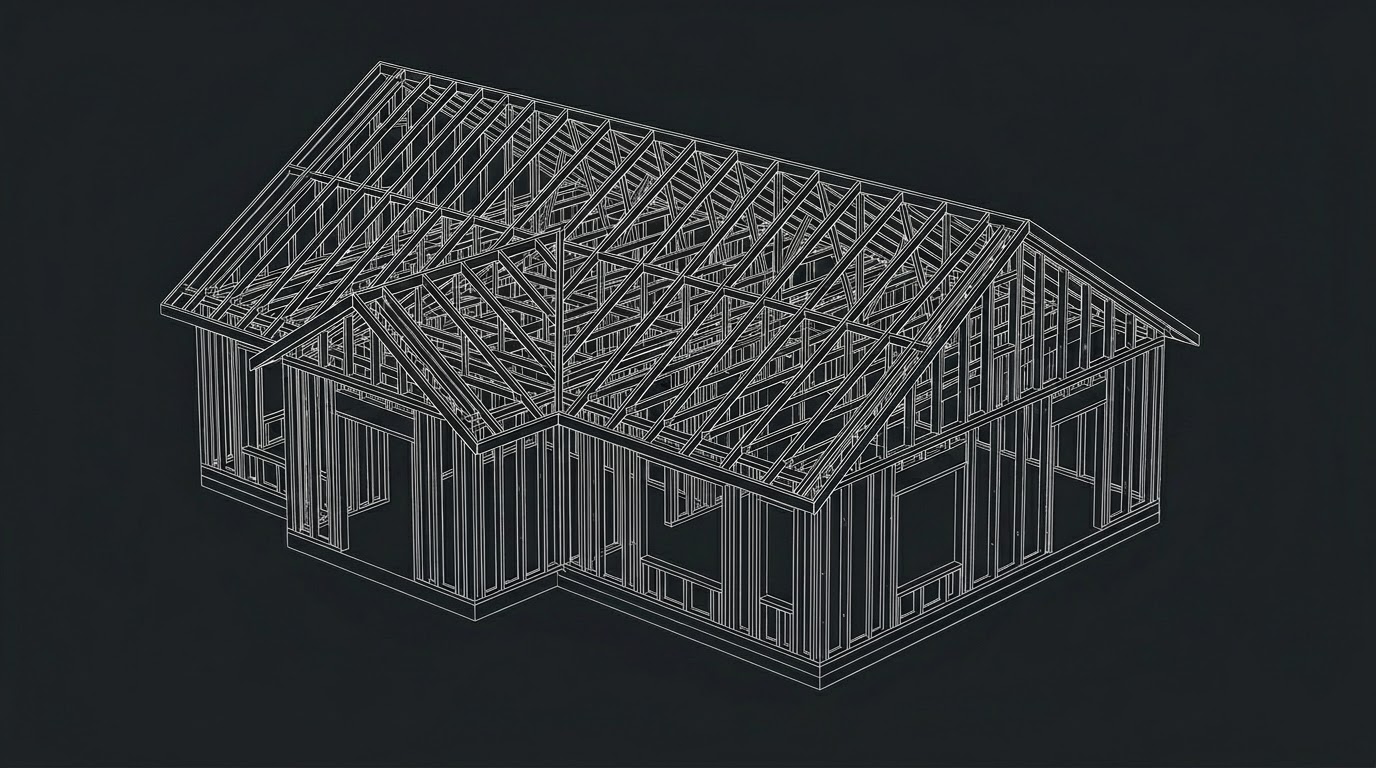
Browser-based 3D review
Review CFS/LGS models in any browser on desktop, tablet or phone, without installing fabrication software.
Controlled share path
Start private, then choose a temporary review link, a Lobby preview or a complete Market listing.
How it works
From upload to online review in three clear steps.
01
Upload IFC
Guests can upload immediately. Members can keep assets in a workspace for long-term access.02
Cloud processing
lgsfmarket creates a browser-ready preview and extracts useful review data from the model.03
Review or route
Inspect the model, then keep it private, share it, publish to Lobby, or prepare a Market listing.3D model control
Rotate, zoom, pan and drag CFS/LGS models directly in the browser.
Docked panels
Use docked or floating panels while reviewing model information.
Label panel tabs
Review frame labels, statistics and export tabs from one panel.
2D frame drawings
Open 2D frame drawings for review, checking and field coordination.
CNC layer render
Render CNC-oriented layers to prepare fabrication review workflows.
Groups and versions
Classify frames and keep saved edits as the model evolves.
Object inspection
Click a mesh to inspect object-level information and frame details.
Share and embed
Create free share links, embed previews and control visibility.
CNC model export
Prepare CNC model output for supported production workflows.
Edit frame details drawing
Pro+ members can edit steel frame details directly and export CSV.
PDF / CSV export
Export 2D drawing PDFs and structured data for planning.
MORETHANAVIEWER
One IFC upload can unlock review, export, sharing and publishing workflows.